

Small-team mobile app testing is checking your app’s critical journeys with the aim of catching release-blocking failures without a dedicated QA department. Start with Maestro Deck, a free, source-available desktop runner and inspector for Maestro YAML flows; keep local testing independent of optional paid cloud execution.
- Maestro Deck is best for developers who want to write, run, and inspect Maestro YAML flows locally.
- Choose mobile app testing tools around release-blocking journeys, not the longest feature list.
- Combine local E2E testing, focused code-level tests, and manual checks; each catches different failures.
- Add cloud execution when CI or shared execution becomes a requirement, not a prerequisite for starting.
Why mobile app testing matters for small teams
Without a QA department, developers own both the change and the evidence that it works. A testing workflow has to fit between implementation and release. If reproducing a failure requires someone else’s laptop, undocumented setup, or production credentials, the workflow needs fixing before it needs more tests.
The constraint is maintenance, not just execution. Every automated journey adds setup, assertions, and failure investigation to someone’s workload. A small, explainable suite gives you a clearer release decision than a large suite nobody trusts.
For your 2026 testing plan, prioritize repeatable evidence over the number of tests. Identify what must work, make those checks reproducible, and assign responsibility for failures. Keep exploratory testing for questions a scripted journey does not answer.
Build a testing workflow your developers can maintain
1. Define your release-blocking journeys
Start manually. Walk through the app as a user and record the actions that establish whether the release is usable. Describe outcomes rather than gestures: an account reaches its expected screen, a saved change survives reopening, or a failed request produces a recoverable error.
Choose an initial scope of 3 critical journeys. This is a starting recommendation, not a coverage benchmark. Select journeys based on your app’s actual behavior; do not add login, checkout, or subscriptions unless your app includes them.
Write the starting state beside each journey. An existing account and a newly created account are different test conditions. So are an empty workspace and one populated with records. If those differences remain implicit, a passing run tells you less than it appears to.
- List the user outcomes that would block your release.
- Choose 3 initial journeys with clear pass conditions.
- Record account state, app state, and required test data.
- Separate essential behavior from cosmetic checks.
- Assign an owner to each journey before automating it.
2. Establish a repeatable manual baseline
Run each selected journey manually against a known build. Keep the checklist in version control beside the app or its test assets. Record what the tester should observe, not merely where to tap.
Use 2 consecutive runs as an initial repeatability check. That does not establish reliability; it exposes obvious setup dependencies before you encode them. If the second run fails because the first created a record, decide whether the test should remove that record or create distinct data.
A manual baseline also gives developers a fallback when automation fails. You can distinguish an application defect from a test setup problem without first repairing the entire suite. Keep that baseline short enough to use during a release decision.
- Identify the exact app build under test.
- Write the expected outcome for each checkpoint.
- Repeat the journey from its documented starting state.
- Record how to prepare and clean up test data.
- Remove dependencies on another developer’s active session.
3. Automate the baseline locally
Once a journey is repeatable, move it into a local flow. Maestro Deck provides a desktop runner and inspector for writing and executing Maestro YAML end-to-end flows for iOS, Android, and web apps. Use that local workflow to inspect the app and investigate failures while the change is still fresh.
Maestro Deck is best for developers who want to write, run, and inspect Maestro YAML flows locally. Local use does not require buying cloud execution. Keep the first automated flow focused on a single user outcome rather than chaining your entire application into one test.
Distinguish the tools: Maestro is the testing framework whose YAML flows you write; the desktop runner provides a workflow around those flows. They are not interchangeable names, and using the framework does not establish an affiliation between the projects.
- Translate a proven manual journey into a focused YAML flow.
- Check command syntax against current framework documentation.
- Inspect elements before selecting interaction targets.
- Run the flow locally after relevant application changes.
- Follow the guide to debugging a failing flow with Inspector Mode when diagnosis stalls.
4. Make failures explainable
Start with a simple failure record: build identity, starting state, failed action, expected result, and observed result. A developer should be able to reproduce the problem without interviewing the person who ran the test.
Treat a failing flow as a question to investigate, not a reason to increase every wait or rerun until green. Check whether the app reached the expected screen, whether the element target still identifies the intended control, and whether the test data exists. Separate application defects from incorrect test assumptions.
For your 2026 suite, require 1 named owner per failure. Ownership means making the release decision and arranging the fix; it does not mean that person must solve every issue alone. Record unresolved failures rather than letting repeated reruns erase them.
- Capture the failing step and its expected outcome.
- Record the build, platform, and relevant environment settings.
- Check selectors and starting state before changing timing.
- Reproduce the failure manually when the cause is unclear.
- Assign an owner and document the release decision.
5. Choose execution environments deliberately
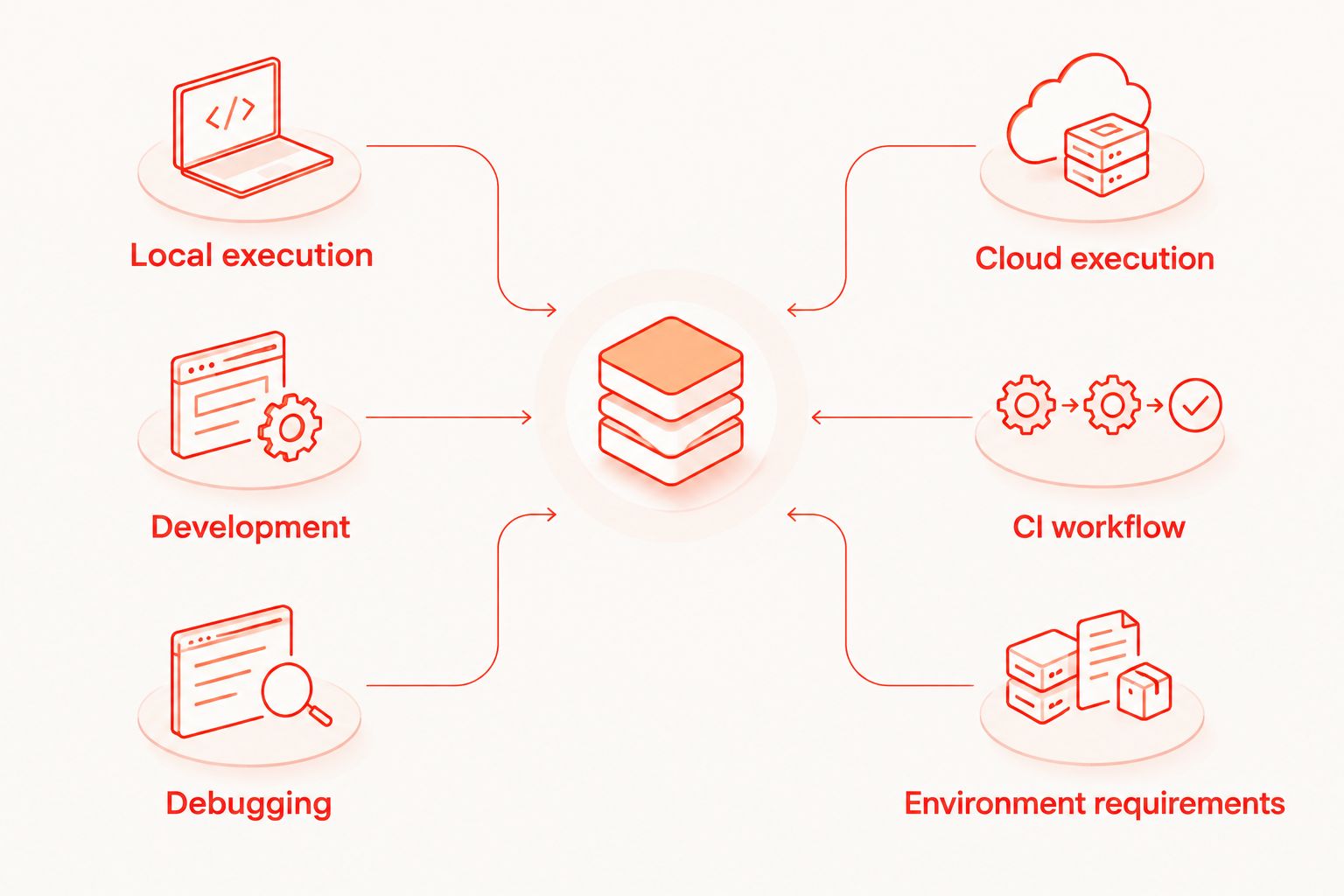
Use the local workflow first. It keeps authoring and diagnosis close to the developer making the change. Add hosted execution when your team needs tests to run from CI or needs an execution environment independent of a particular developer’s workstation.
Maestro Deck offers optional cloud execution alongside its free local runner. Evaluate cloud sign-up against a specific requirement, such as running a release smoke suite from CI. Do not move every flow simply because hosted execution is available.
In a 2026 coverage plan, write down whether each check requires a simulator, emulator, browser, or physical device. These are distinct environments. Simulator or emulator support does not establish physical-device availability, and a passing virtual-device run does not answer every hardware-related question.
- Keep local execution available for development and debugging.
- Identify which checks must run without a developer present.
- Specify platform and environment requirements before choosing hosting.
- Verify physical-device support separately when hardware matters.
- Evaluate optional cloud execution against the required CI workflow.
6. Maintain a release decision, not just a test suite
Keep a short release checklist that combines automated results with the manual checks still required. A passing E2E flow establishes that its scripted actions and assertions passed in that run. It does not establish that every screen, platform, accessibility need, or device condition is covered.
Review the checklist whenever a feature changes a critical journey. Remove obsolete assertions instead of preserving them as historical artifacts. Add a regression check where it fits: a code-level test for isolated logic, an E2E flow for a user journey, or a manual check for behavior that needs judgment.
For the rest of 2026, make suite maintenance part of feature ownership. The developer changing the behavior should update the expected result and its supporting checks in the same review. That keeps the test suite tied to the application you actually ship.
- Record automated results against the intended release build.
- Keep a separate list of required manual checks.
- Update affected flows alongside behavior changes.
- Remove redundant checks with no distinct failure signal.
- Document any accepted failure before approving release.
Compare testing options for a small team
Choose by the job you need done. These options complement one another; they are not substitutes for all testing. Start with a manual baseline, automate repeatable journeys locally, and add other layers where they answer a specific question.
| Option | Best for | Main advantage | Key limitation |
|---|---|---|---|
| Manual release checklist | Exploring changed behavior and checking subjective outcomes | Lets developers investigate beyond a predefined script | Depends on consistent execution and clear records |
| Maestro Deck local runner | Developers authoring and inspecting Maestro YAML E2E flows | Keeps flow execution and inspection in a local desktop workflow | Local execution alone does not meet a requirement for unattended cloud runs |
| Code-level tests | Checking isolated logic and component behavior | Targets rules without requiring a complete user journey | Does not establish that the whole app journey works |
| Optional cloud execution | Teams needing hosted runs or CI execution | Provides an execution path beyond an individual workstation | Requires separate setup and verification of environment coverage |
| Physical-device checks | Investigating behavior that depends on actual hardware | Tests the selected behavior on the selected device | Results apply to the devices and conditions you actually checked |
Do not select mobile app testing tools by feature count alone. Ask who will maintain the checks, how failures will be reproduced, and which release decision each result supports. A tool without an owner creates another place for failures to wait.
Source-available also deserves a separate check. It means source access is provided under the applicable license; it does not, by itself, mean open source. Review the license terms for your intended use rather than treating the two labels as equivalent.
Common mistakes small teams make
Automating an unstable manual journey
If the team cannot repeat a journey manually from a documented state, automation inherits that uncertainty. Fix account setup, test data, and expected outcomes first. Otherwise, developers spend release time debugging the test environment instead of the application.
Making every check end-to-end
A calculation rule and a complete sign-in journey need different evidence. Put isolated rules in code-level tests and reserve E2E coverage for behavior that crosses the application. This gives failures a clearer scope and avoids repeating every variation through the interface.
Treating reruns as resolution
A passing rerun does not explain the earlier failure. Preserve the failed result, identify its cause, and record whether it affects the release. If you temporarily exclude a check, name its owner and the condition for restoring it.
Confusing environment coverage with device coverage
An Android emulator run is not evidence of a physical Android device run. Likewise, an iOS simulator does not establish hardware behavior. State exactly what ran and reserve separate checks for requirements that depend on actual devices.
Adding cloud before defining the trigger
Hosted execution needs a clear trigger and a clear response to failure. Decide whether runs belong on a proposed change, a release candidate, or another event in your workflow. Then define who investigates failures before connecting the suite to that event.
FAQ
What are the best mobile app testing tools for a team without QA?
Choose tools that cover a specific testing job and that your developers can maintain. Maestro Deck suits local Maestro YAML authoring and inspection; combine that workflow with code-level tests and targeted manual checks.
Do we need cloud testing to start automating our app?
No, cloud testing is not a prerequisite for local automation. Establish repeatable local flows first, then evaluate hosted execution when CI or shared execution becomes a requirement.
How many end-to-end tests should a small team start with?
Start with 3 release-blocking journeys as a manageable initial scope. This is a planning recommendation, not a coverage standard; expand when another journey adds distinct release evidence.
Is Maestro Deck the same thing as the Maestro framework?
No, Maestro Deck provides a desktop runner and inspector for Maestro YAML flows. Maestro is the framework associated with those flows; the names describe different parts of the workflow.
Can simulator testing replace testing on physical devices?
No, a simulator result does not establish physical-device behavior. Use the environment appropriate to the requirement and verify actual-device coverage separately when hardware matters.
What should we do when an automated test fails intermittently?
Preserve the failure and investigate its starting state, element targets, application behavior, and environment. A passing rerun is additional evidence, not an explanation of the original failure.
Does source-available mean open source?
No, source-available and open source are not interchangeable licensing terms. Read the applicable license to determine what use, modification, and distribution rights it grants.
One last thing
Make a test failure useful to someone who did not write the test. Before expanding your 2026 suite, ask another developer to investigate an existing failure using only its recorded evidence. If they cannot identify the build, reproduce the starting state, and explain the expected outcome, improve the test record before adding more flows.


